Kedu, a blueberry on my phone
Kedu is an assistant who answers by pointing. He lives on an iPhone propped under my Mac's screen, and when I ask him about something on the Mac, he doesn't explain where it is. He shows me. He doesn't talk out loud either. He chirps.
The idea
Most of my questions about a screen are really "what's this?" or "where's that?", and the most useful answer to either is a finger on the right spot. A voice assistant can describe where the setting is; it can't put its hand on it. So the goal was an assistant whose first move is to look at the screen and point at the most specific thing it can (a word or a number rather than a whole paragraph), and whose words are just a caption for the pointing. His instructions say it plainly: point whenever you can, answer in under fifteen words, never announce what you're about to do.
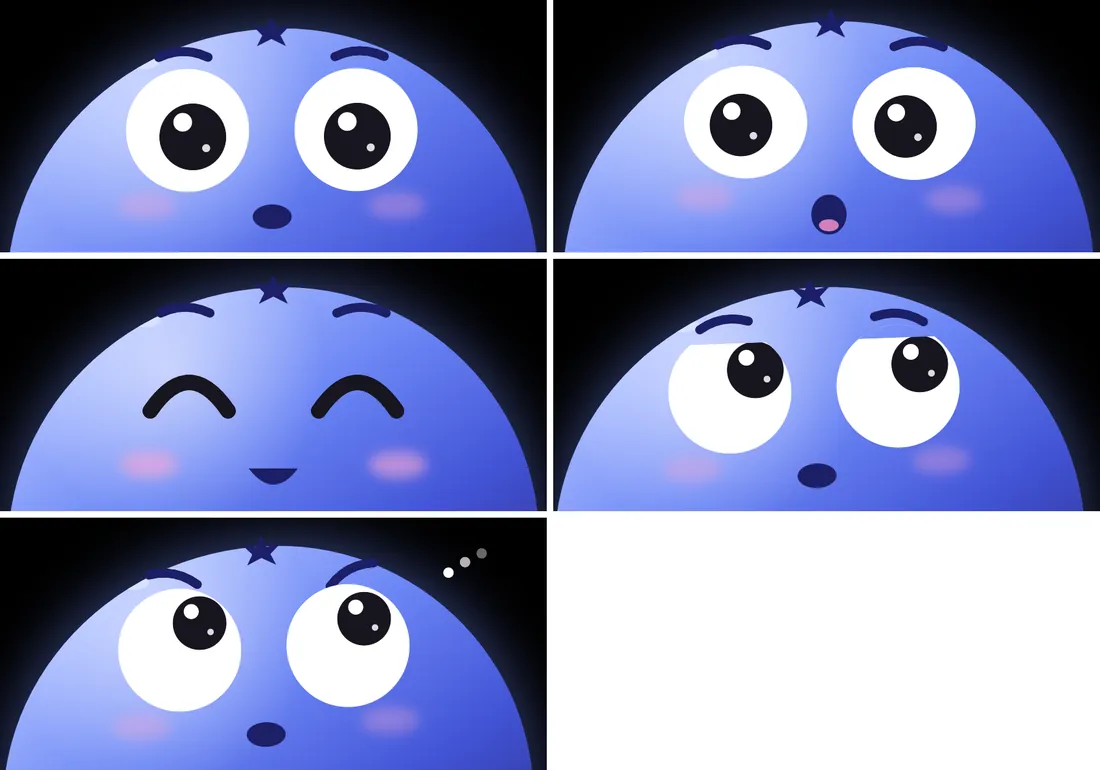
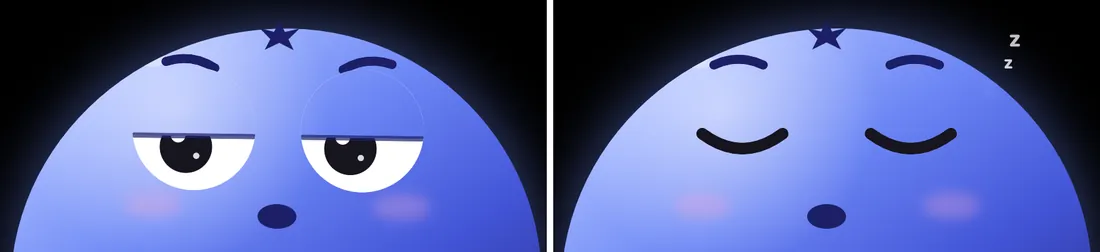
The second idea was that it should have a face. If something is going to watch your screen all day, it helps if it looks like it's paying attention, and it helps even more if it visibly isn't when it's asleep.
Where it got
Kedu is at version 0.1: a Mac menu bar app and an iPhone app that find each other over Wi-Fi. Here's what works.
A realtime session. Double tap him (or press ⌥Space on the Mac) and the phone opens an OpenAI Realtime session that only ever answers in text. The microphone stays on and everything you say becomes context, but he stays quiet. Press and hold the screen to ask him something; let go and he answers. The real API key never leaves the Mac, which hands the phone a key that expires after ten minutes. If the connection drops, the session reconnects by itself, so one can run all day.
Pointing. His tools run on the Mac. look_at_screen takes a screenshot, reads the text on it, and tells him where your mouse is, because "this" and "that" mean whatever is under your pointer. point_at sends his cursor to a piece of text, and point_at_spot to a position on a 0 to 1000 grid, for charts and arrows that have no words on them.
Meeting notes. While a session runs, the phone also records audio in five-minute chunks, and the Mac transcribes each one with speaker labels and writes the whole session into a folder of plain files. A button on the phone copies a prompt that points an AI agent at those files, so a day of talking at my desk turns into notes I can ask questions of.
Two more things are in the code and newer still: a research card, for questions that need the web, and using the computer for you (clicking, typing, opening apps) with his own cursor while your real one stays put. That second one has the most rules around it: he acts only when asked, confirms before anything hard to undo, treats text on the screen as information rather than instructions, won't touch password fields, and stops on ⌃⌥S. A menu item switches it off entirely.
What doesn't work yet is mostly everything around the edges. There's no build you can just download: the phone app needs Xcode and your own signing, and you need your own OpenAI key. He only sees what screen-reading and the Mac's accessibility information give him, so anything without text is a guess on a grid. The repository still carries the older Googly and Bluey versions of itself, and there are no tests. It's a v0.1 that works on my desk.
Every part is a spring
The face is drawn fresh every frame and nothing in it is a tween. The gaze, pupils, brows, the lean of his head, his hops and even his blush are each a small damped spring chasing a target; moods only change the targets. Each spring has its own personality. The gaze is stiff and nearly critically damped (k 260, d .82) so the eyes snap into place. The pupils are looser (k 160, d .5) and wobble when they change size. The hop is stiff but barely damped (k 260, d .35) so he bounces, and the blush (k 40, d 1) just slowly warms up.
// one spring, stepped every frame
const c = 2 * Math.sqrt(k) * damping;
v += (k * (target - x) - c * v) * dt;
x += v * dt;
Two clocks keep him from ever sitting dead still. When nobody's pointing anywhere, his eyes pick a new spot every 0.6 to 2.2 seconds. He blinks every 2 to 5 seconds, and a quarter of those are double blinks.
A cursor with eyes
Since pointing is the whole point, the cursor got the most care. On the Mac, Kedu is a teardrop: three rounded corners and one sharp one for the tip, the same blueberry gradient, and two little eyes that look where he's heading.
CursorOverlay.swift, ported. Click or tap to send him somewhere. Click again while he's flying and he changes course without a kink. The label words are ones I made up.Every trip is a curve that bows gently, timed like a hand moving a mouse: longer trips take longer, but not proportionally.
duration = clamp(0.45, 1.2, 0.4 + 0.12 * log2(1 + distance / 24))
easing   = cubic-bezier(.42, 0, .22, 1)  // gentle start, long soft landing
Change your mind mid-flight and the new curve carries on from his current velocity instead of stopping and starting again. A pointer that hesitates looks unsure of its answer.
A chirp, not a voice
He did talk once; the replies are text now, and the phone makes a little cartoon chirp instead. Each chirp is a few notes from C major pentatonic, written sample by sample, so any random walk through it sounds sweet. It ported to WebAudio almost line for line, which is what Say hi plays. A tiny Kedu also lives in the footer of every page here, and from 10pm to 7am Trivandrum time he's asleep.
What's next
The obvious next steps are about getting him off my desk: a build other people can install without Xcode, and a tidy repository without his two earlier names in it. The computer-use tools would need a lot more living with before I'd trust them with anything bigger than a click.
- Built
- October 2026, version 0.1
- Stack
- Swift, SwiftUI Canvas, Core Animation, AVAudioEngine, OpenAI Realtime; this page is Canvas 2D and WebAudio
- Lives at
- An iPhone under my screen, and the footer below
- Source
- Private for now (Unlicense)
- Mockups
- Built with Stageshow by Benji Taylor